

Table of Contents
Overview
Manufacturers producing configurable products often face a common engineering bottleneck: generating production drawings for every product variant. Even when the 3D model is parametric, creating drawings, exporting manufacturing files, and preparing documentation still requires significant manual effort.
One of our clients experienced this exact challenge. Their engineering team spent several hours creating manufacturing drawings, BOMs, DXF files, and PDF packages for every new configuration. The repetitive nature of this work delayed quotations, increased engineering costs, and introduced avoidable errors.
To solve this, we developed a custom SolidWorks API Automation solution for automating repetitive engineering documentation workflows.
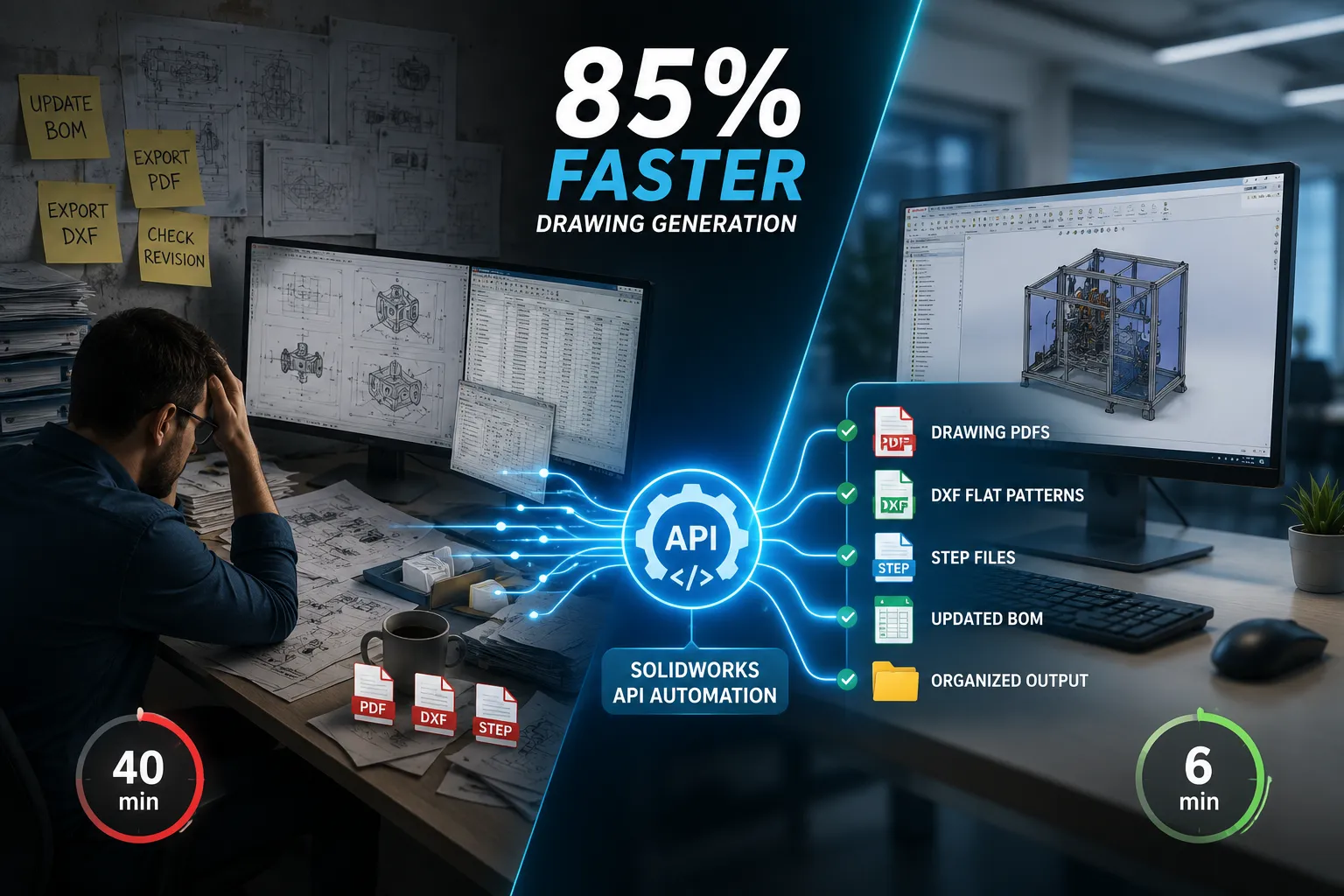
The result was an 85% reduction in engineering time while improving documentation consistency and reducing manual errors.
The Challenge
The client manufactures sheet metal products available in multiple sizes and configurations.
Each order required engineers to:
- Configure the SolidWorks assembly
- Update custom properties
- Open every drawing manually
- Rebuild drawings
- Update BOM tables
- Verify revision information
- Export PDF drawings
- Generate DXF flat patterns
- Save STEP files
- Organize deliverables into project folders
Although none of these tasks were technically difficult, they were highly repetitive.
For a product family with dozens of configurations, engineering resources were being consumed by documentation instead of design.
Existing Workflow
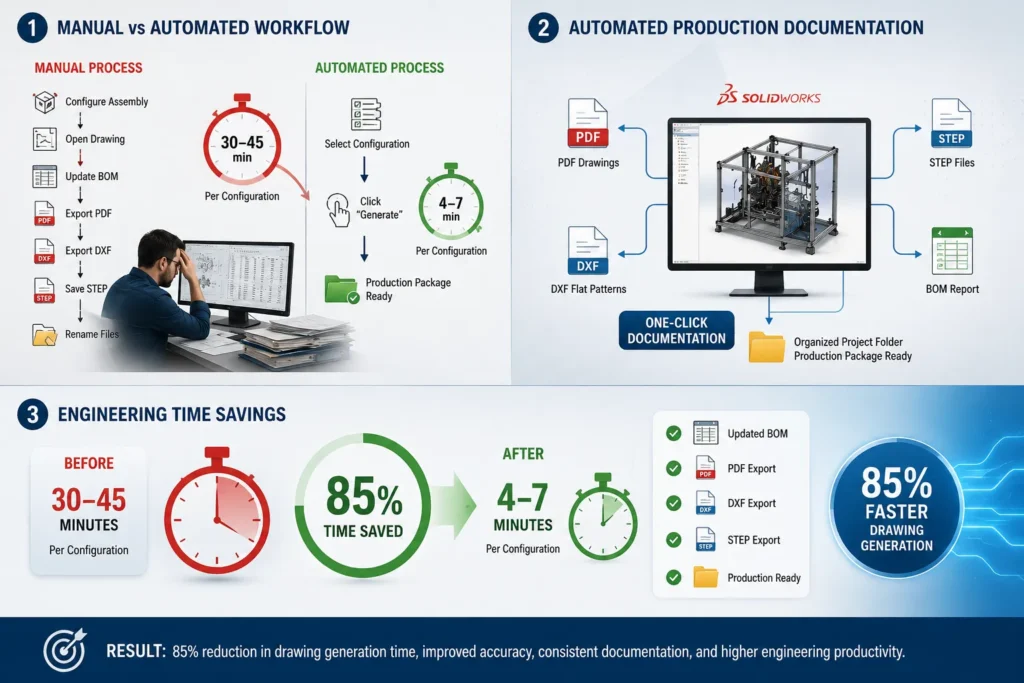
The engineering process typically looked like this:
- Configure the assembly
- Open each drawing
- Force rebuild
- Update dimensions
- Update BOM
- Check notes
- Export PDF
- Export DXF
- Save STEP
- Repeat for every configuration
This process typically required 30-45 minutes per product configuration, depending on assembly complexity.
Engineering Challenges
Several technical issues made the workflow inefficient:
- Multiple Manual Operations
Every drawing had to be opened individually before exporting. - BOM Synchronization
If a configuration changed, BOM tables had to be updated manually to avoid incorrect quantities. - Revision Errors
Incorrect revision numbers occasionally propagated into released drawings because title blocks relied on manual updates. - Flat Pattern Generation
Sheet metal parts required separate DXF exports with correct bend lines, layer mapping, and naming conventions. - File Naming
Customers required specific naming conventions for production files, making manual file management time-consuming.
Our Automation Approach
Instead of creating isolated macros, we developed a custom SolidWorks API automation workflow using the SolidWorks API.
The automation was designed to execute the complete documentation process with minimal user interaction.
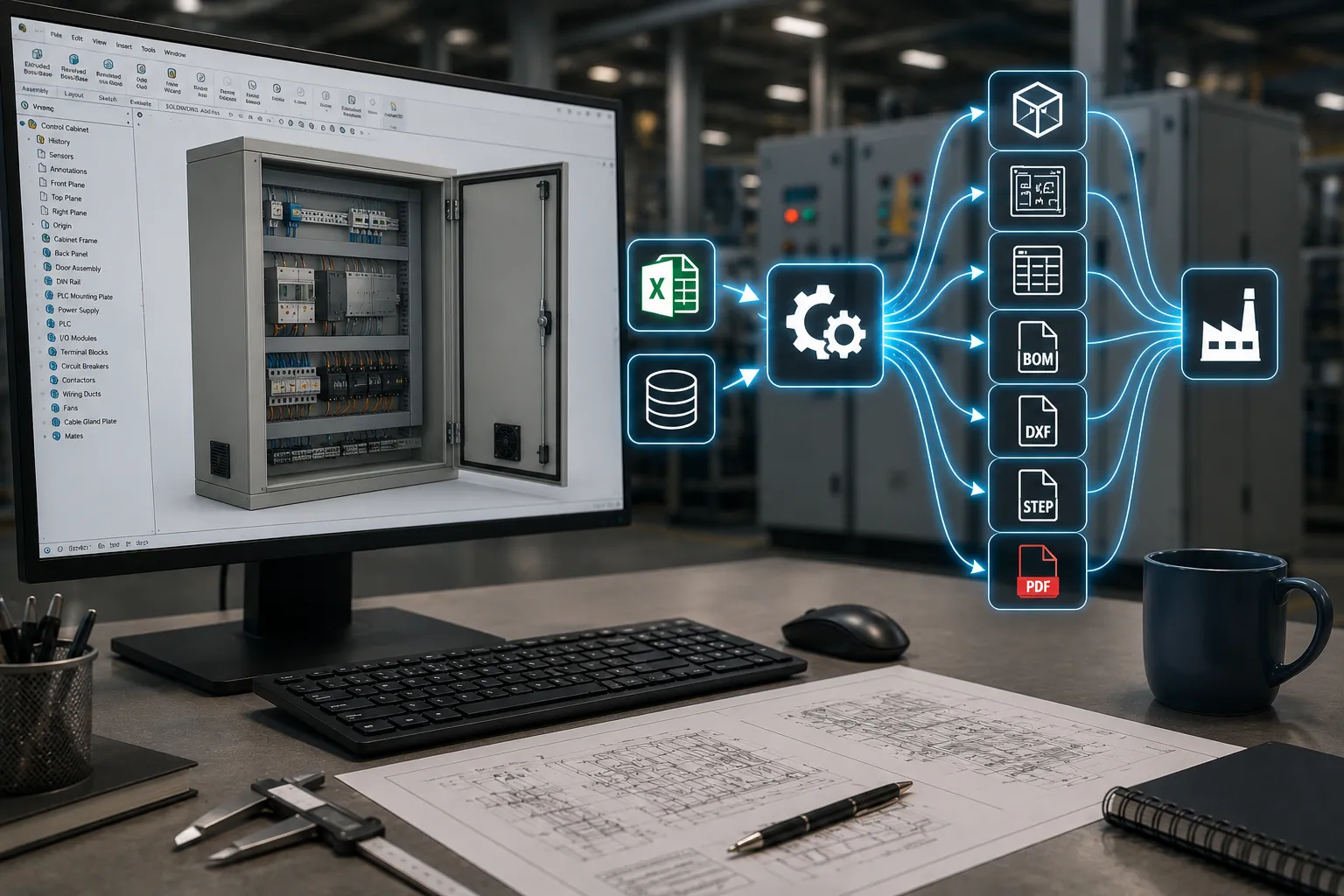
The workflow performs the following operations automatically:
- Opens the required assembly
- Applies selected configuration
- Rebuilds all referenced models
- Updates custom properties
- Refreshes drawing views
- Updates BOM tables
- Regenerates dimensions and annotations
- Exports PDF drawings
- Exports DXF flat patterns
- Generates STEP files
- Creates project folders automatically
- Saves files using predefined naming standards
The engineer only selects the required configuration and initiates the automation.
Everything else is handled programmatically.
Technical Implementation
The solution leveraged several SolidWorks API capabilities.
1. Configuration Management
The automation switches between predefined configurations using the SolidWorks API, ensuring that every drawing references the correct model state.
2. Drawing Rebuild
Using API rebuild functions, every drawing is refreshed before export to eliminate
outdated dimensions and views.
3. Custom Property Automation
Properties including:
- Part Number
- Description
- Material
- Revision
- Project Number
- Customer Name
These are updated automatically from predefined data sources.
This eliminates manual edits in title blocks.
4. BOM Automation
The solution refreshes BOM tables and ensures:
- Correct quantities
- Updated descriptions
- Correct configurations
- Latest custom properties
without requiring engineer intervention.
5. DXF Export Automation
Flat patterns are generated automatically using SolidWorks sheet metal API functions.
The automation supports:
- Layer mapping
- Bend line export
- File naming standards
- Batch processing
which significantly reduces manufacturing preparation time.
6. Multi-format Export
For every completed configuration, the automation generates:
- PDF Drawings
- DXF Flat Patterns
- STEP Models
- Native SolidWorks Files (optional)
All files are stored in predefined folders.
Results
After implementation, measurable improvements were observed across the engineering workflow.
1. Drawing Preparation Time
- Before Automation: 30-45 minutes per configuration
- After Automation: 4-7 minutes per configuration
- Average reduction: Approximately 85%
2. Engineering Productivity
Instead of spending hours preparing documentation, engineers could focus on:
- New product development
- Design optimization
- Design validation
- Customer-specific engineering
rather than repetitive CAD operations.
3. Improved Documentation Consistency
Since every drawing follows the same automated process:
- Title blocks remain consistent
- BOMs are synchronized
- Export settings remain standardized
- File naming errors are eliminated
Documentation quality improved significantly.
4. Reduced Human Errors
Automation removed many common mistakes including:
- Incorrect revisions
- Missing drawing exports
- Wrong configurations
- Outdated BOM tables
- Incorrect DXF filenames
This reduced manufacturing issues caused by documentation errors.
Business Impact
The automation delivered benefits beyond engineering.
- Faster Quotation Turnaround: Engineering documentation became available much sooner, allowing quotations to be issued faster.
- Higher Engineering Capacity: Without increasing headcount, the engineering team could process substantially more product configurations each week. Similar productivity gains can be achieved across many engineering workflows using CAD automation solutions and best practices.
- Standardized Documentation: Every production package followed the same format, improving collaboration between design, manufacturing, procurement, and quality teams.
- Improved Manufacturing Readiness: Production received complete documentation packages containing all required deliverables without manual compilation.
Where This Type of Automation Works Best
SolidWorks API automation provides the greatest value for organizations that repeatedly generate documentation for configurable or standard products.
Typical applications include:
- Sheet metal enclosures
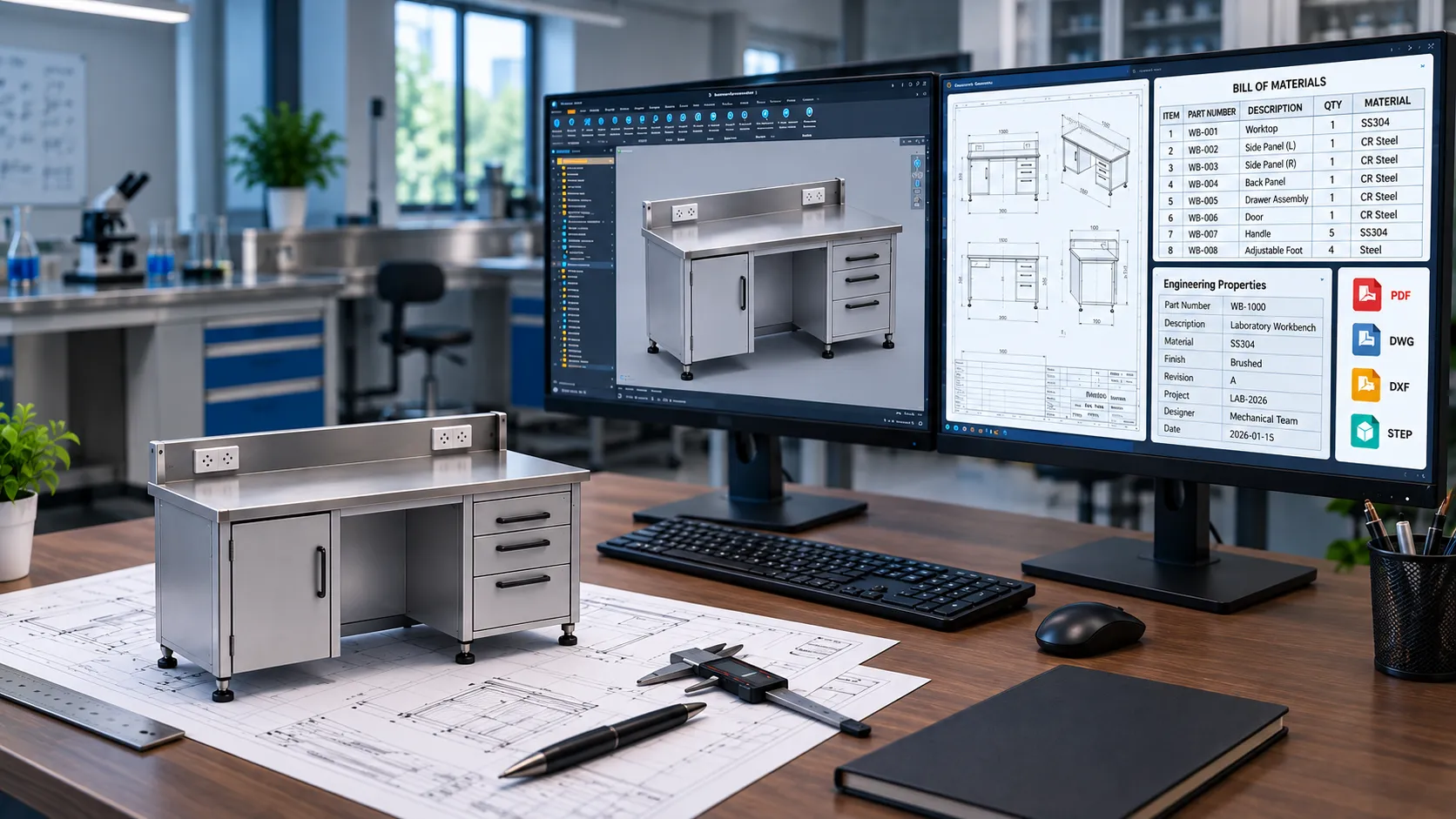
- Laboratory furniture
- Industrial workbenches
- Control panels
- Storage cabinets
- Conveyor systems
- Machine assemblies
- Process equipment
- Material handling equipment
- Production fixtures and jigs
Any engineering team producing repetitive manufacturing drawings can significantly reduce documentation time through automation.
Key Technologies Used
- SolidWorks API
- VBA / VB.NET
- SolidWorks Drawing Automation
- Configuration Management
- Custom Property Automation
- BOM Automation
- DXF Flat Pattern Automation
- PDF Batch Export
- STEP Export Automation
- Production Documentation Automation
Conclusion
This case study demonstrates how a custom SolidWorks API automation solution reduced documentation time by 85%, improved consistency, and minimized human errors while preserving the client’s existing design workflow.
At Immersiv Techsphere, we develop custom CAD automation solutions tailored to your engineering processes. From automated drawing generation and BOM creation to DXF/STEP exports, custom property updates, and PDM workflow automation, our solutions integrate seamlessly with your existing SolidWorks environment.
If your engineering team spends valuable time on repetitive CAD tasks, we can help streamline workflows, reduce engineering effort, and accelerate product delivery so your engineers can focus on design and innovation instead of manual documentation.
Whether you manufacture sheet metal products, industrial equipment, machinery, furniture, or other configurable products, we can help transform repetitive engineering processes into efficient, scalable, and production-ready workflows.
Have a Project in Mind?
Need help with 3D animation, industrial visualization, HSE training animation, or product visualization? Tell us about your project and our team will get back to you.