

Table of Contents
Introduction
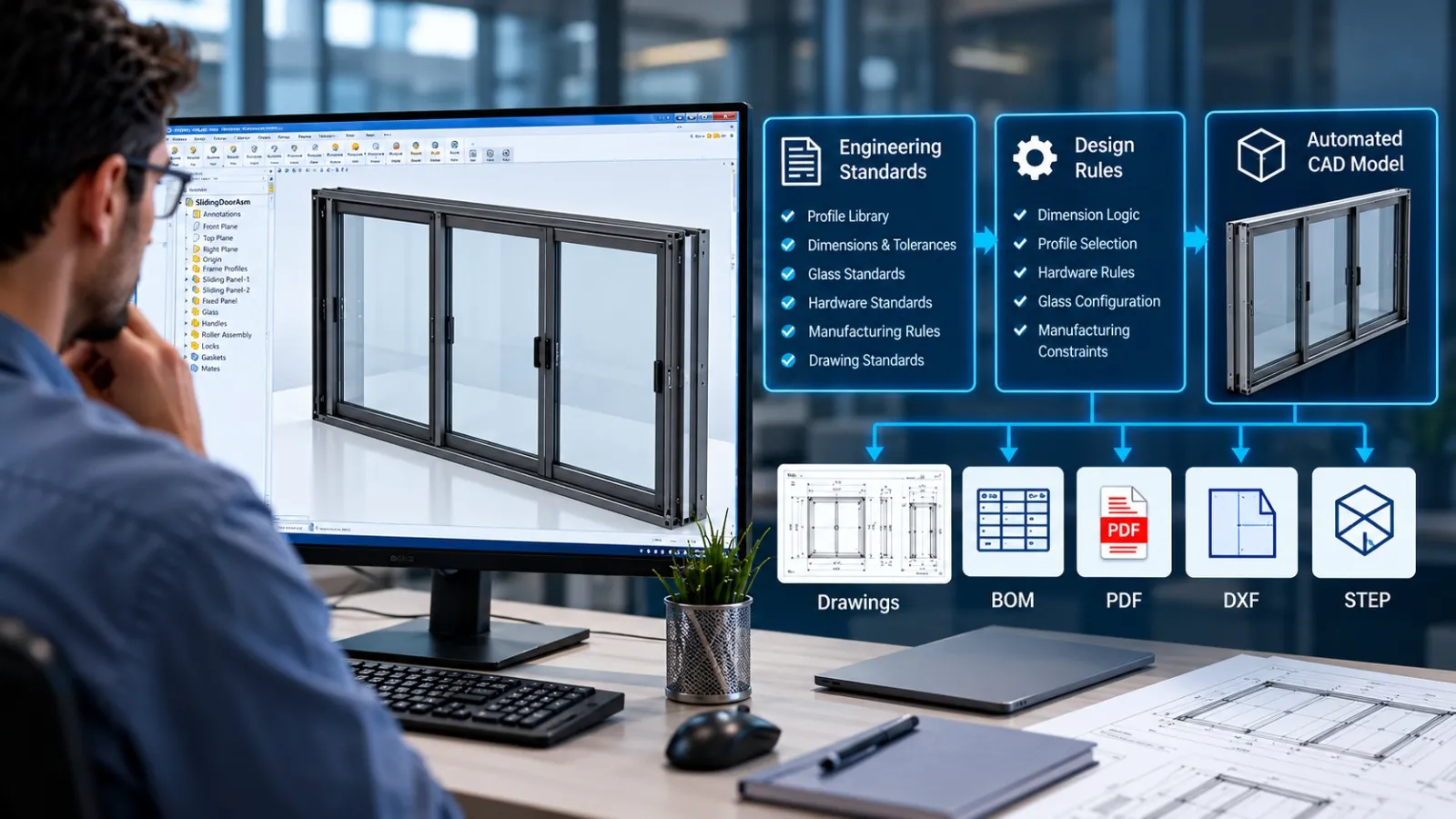
In sheet metal manufacturing, engineers often spend countless hours generating flat pattern DXF files, creating fabrication drawings, updating dimensions, exporting PDFs, and organizing production documentation. While these tasks are essential for manufacturing, they are repetitive, time-consuming, and prone to human error.
As product variations increase and customer demands become more complex, manual documentation workflows can quickly become a bottleneck. This is where Sheet Metal Automation transforms the process.
By automating DXF export and drawing generation directly from CAD models, manufacturers can significantly reduce engineering effort, improve consistency, and accelerate production release cycles.
What is Sheet Metal Automation?
Sheet Metal Automation refers to the use of CAD automation tools, custom macros, APIs, and rule-based workflows to automatically generate manufacturing deliverables from sheet metal models.
These deliverables may include:
- Flat pattern DXF files
- Manufacturing drawings
- PDF documentation
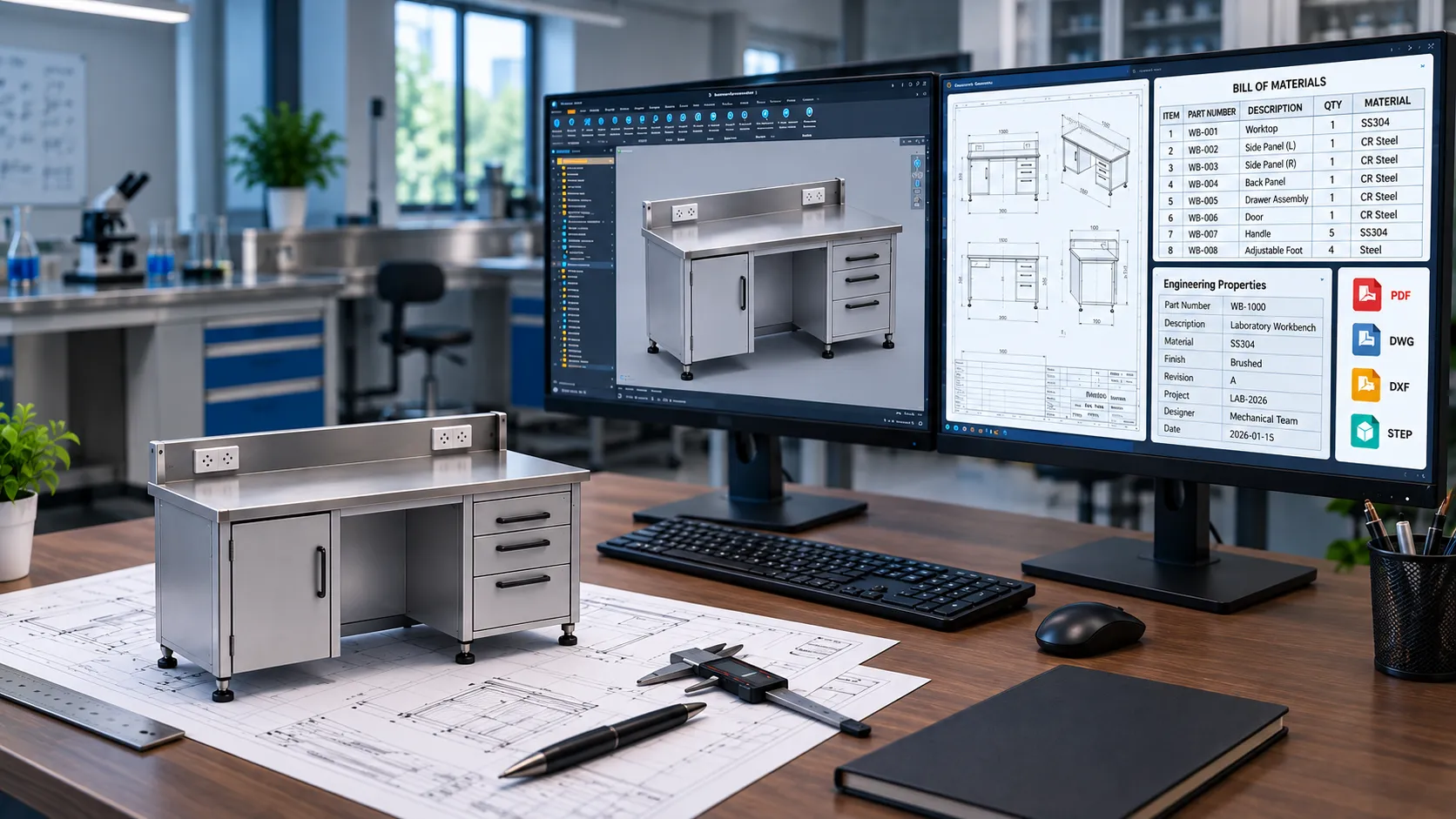
- BOM (Bill of Materials)
- Laser cutting files
- Bend tables
- Part property reports
- ERP-ready data exports
Instead of manually opening each part and exporting files one by one, automation performs these tasks instantly based on predefined rules.
Why Manual DXF Export and Drawing Generation Create Problems
Many sheet metal manufacturers still rely on engineers to manually generate production files.
Common challenges include:
- Repetitive Engineering Work Engineers spend hours performing the same export operations for hundreds of components.
- Increased Risk of Errors Incorrect revisions, wrong file names, outdated flat patterns, or missing drawings can lead to production delays.
- Slower Order Processing Manual documentation generation slows down quotation, design approval, and manufacturing release processes.
- Difficulties Managing Product Variants Companies producing configurable products often need hundreds of drawings and DXFs generated from similar designs.
- Engineering Resources Are Underutilized Highly skilled engineers spend time on documentation rather than product development and process improvement.
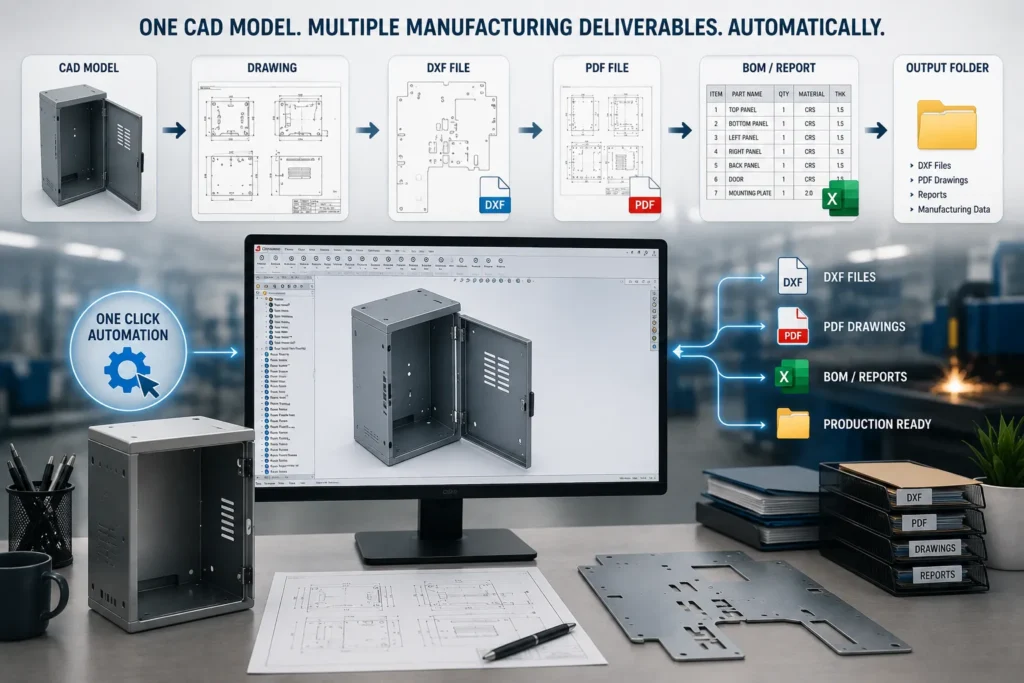
How DXF Export Automation Works
Modern CAD automation solutions can automatically extract manufacturing data from sheet metal models.
Step 1: Identify Sheet Metal Components
The automation system scans assemblies and identifies sheet metal parts.
Step 2: Generate Flat Patterns
Each sheet metal component is automatically unfolded using predefined bend rules and manufacturing parameters.
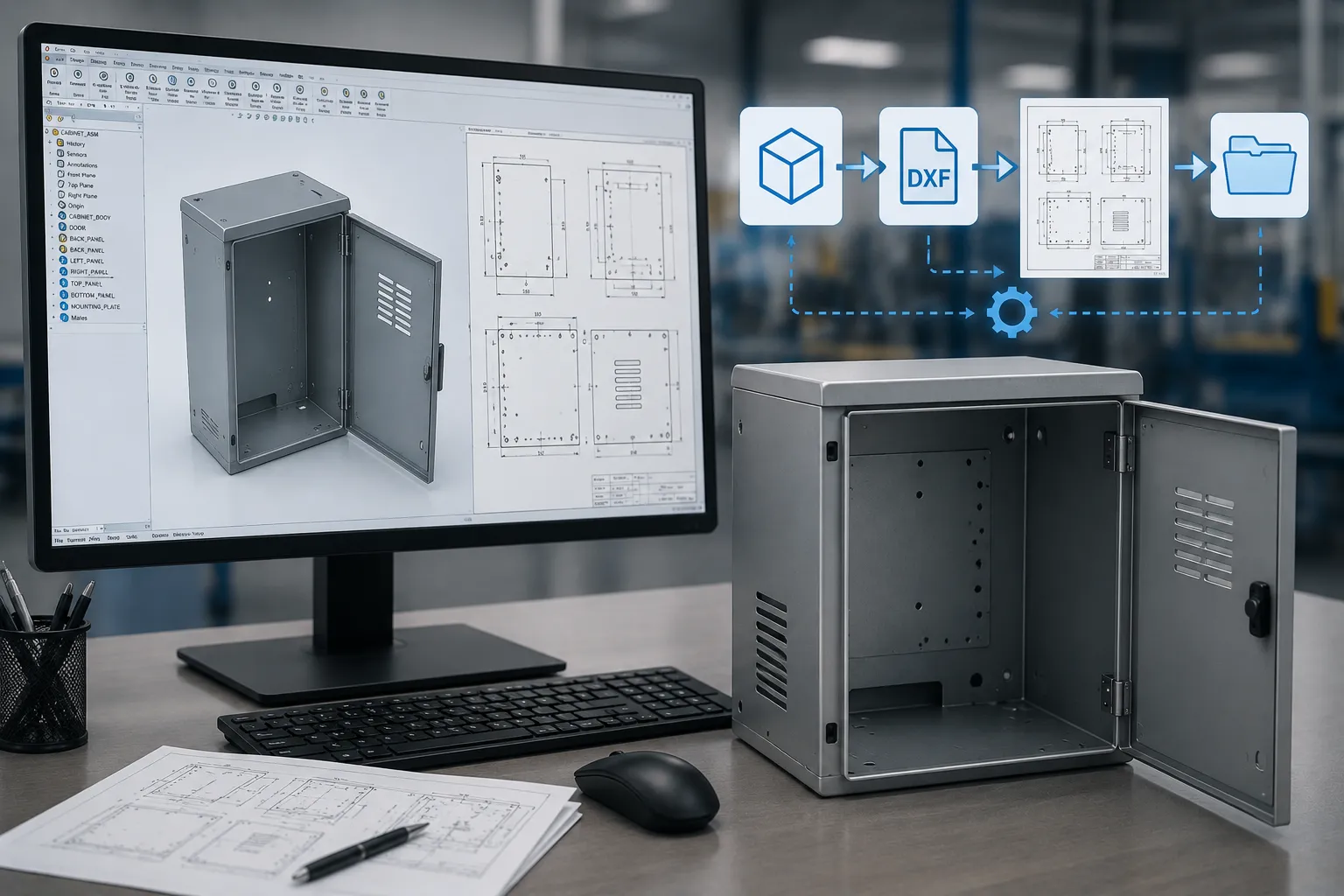
Step 3: Export DXF Files
DXF files are generated and stored in designated folders using standardized naming conventions.
Step 4: Apply Manufacturing Rules
The system can automatically:
- Remove unwanted layers
- Configure bend lines
- Define export settings
- Apply customer-specific requirements
- Organize files by project
Step 5: Create Production Packages
All manufacturing files are compiled into structured folders ready for laser cutting, fabrication, and production teams.
Automating Sheet Metal Drawing Generation
Beyond DXF exports, manufacturers can automate drawing creation.
The automation process can:
Create Drawing Sheets Automatically
Standard drawing templates are applied to every part.
Generate Manufacturing Views
The system inserts:
- Front views
- Side views
- Isometric views
- Flat pattern views
Insert Dimensions and Annotations
Rule-based dimensioning reduces manual drafting effort.
Populate Title Blocks
Project details, revision information, material specifications, and part properties can be automatically inserted.
Export PDFs and DWGs
Final manufacturing drawings can be exported in multiple formats without manual intervention.
Step-by-Step Workflow for Sheet Metal Automation
1. Design the Sheet Metal Model
Engineers create the master model in CAD software such as SolidWorks, Inventor, NX, or Solid Edge.
2. Configure Automation Rules
Rules define:
- DXF naming standards
- Drawing templates
- Output folders
- Property mapping
- Revision handling
3. Execute Automation
A single command triggers:
- Flat pattern creation
- DXF export
- Drawing generation
- PDF creation
- BOM extraction
4. Validate Outputs
Automated quality checks ensure files are generated correctly.
5. Release for Manufacturing
Production-ready packages are generated in minutes rather than hours.
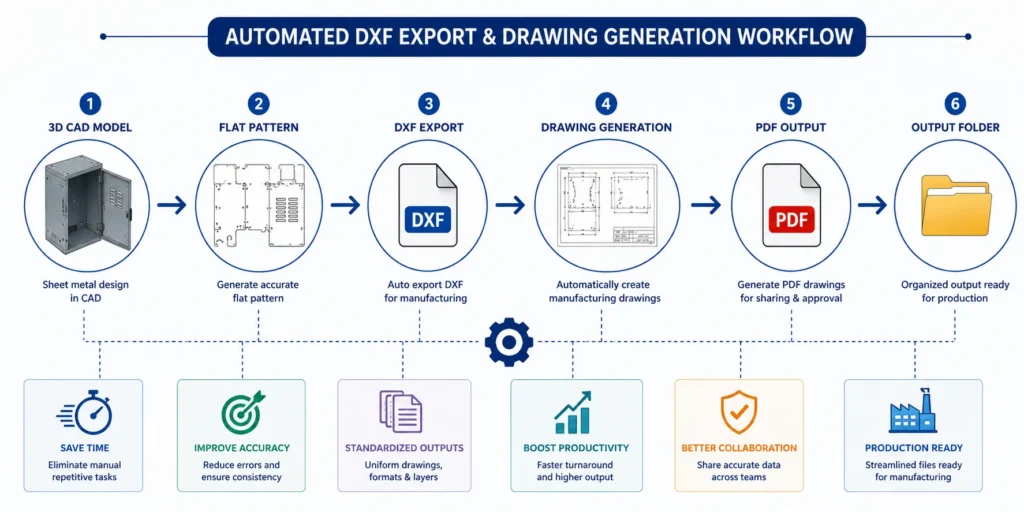
Benefits of Sheet Metal Automation
- Significant Time Savings
Tasks that previously required several hours can often be completed within minutes. - Improved Accuracy
Automation eliminates many manual data-entry and export errors. - Faster Production Release
Manufacturing teams receive documentation sooner, reducing lead times. - Standardized Deliverables
Every DXF, drawing, and PDF follows the same company standards. - Better Revision Control
Automated naming and version management reduce confusion between revisions. - Increased Engineering Productivity
By reducing manual documentation work, Sheet Metal Automation helps improve manufacturing productivity by allowing engineers to focus on design optimization, process improvement, and value-added engineering activities rather than repetitive file generation tasks. - Scalability for High-Volume Projects
Automation enables manufacturers to efficiently handle large assemblies and product families.
Applications of Sheet Metal Automation
- Industrial Equipment Manufacturing
Generate fabrication packages for equipment enclosures, frames, and assemblies. - Electrical Panel Manufacturing
Automate drawings and DXF exports for cabinets and control panels. - Furniture Manufacturing
Create manufacturing documentation for metal furniture, workstations, storage systems, and laboratory furniture. - HVAC Systems
Export production-ready files for ducts, brackets, and mounting components. - Automotive Components
Support rapid documentation generation for sheet metal parts and assemblies. - Custom Product Configurators
Automatically generate manufacturing files based on customer-selected configurations.
The Role of CAD Automation Technologies
Modern Sheet Metal Automation solutions are powered by:
- SolidWorks API Development
- CAD Macros and Add-ins
- Rule-Based Design Automation
- Product Configurators
- Product Data Management (PDM) Integration
- ERP Data Synchronization
- Automated BOM Generation
- Batch DXF Export Systems
These technologies enable manufacturers to create fully automated engineering workflows that connect design, documentation, and production.
FAQs
Sheet Metal Automation is the use of software tools, CAD APIs, macros, and rule-based systems to automate repetitive engineering tasks such as DXF export, drawing generation, BOM creation, and manufacturing documentation.
Yes. Using SolidWorks API, macros, or custom automation tools, manufacturers can automatically generate DXF files from sheet metal flat patterns in bulk.
Depending on project size, companies often reduce documentation effort by 70–90% through automated DXF export and drawing generation workflows.
Industries including industrial equipment, furniture manufacturing, HVAC, electrical panels, automotive, and laboratory furniture can benefit significantly from automation.
Yes. Advanced Sheet Metal Automation solutions can integrate with ERP, PLM, and PDM systems to streamline data flow and improve revision control.
Conclusion
As manufacturing becomes increasingly competitive, manual documentation processes can limit growth and productivity. Sheet Metal Automation provides a practical way to eliminate repetitive tasks such as DXF export and drawing generation while improving speed, accuracy, and consistency.
Manufacturers that automate these workflows can reduce engineering effort, accelerate production releases, improve quality control, and create a scalable foundation for digital manufacturing initiatives.
Whether producing custom products or managing high-volume sheet metal operations, automation helps engineering teams deliver more output with greater efficiency.
Have a Project in Mind?
Need help with 3D animation, industrial visualization, HSE training animation, or product visualization? Tell us about your project and our team will get back to you.