

Table of Contents
Introduction
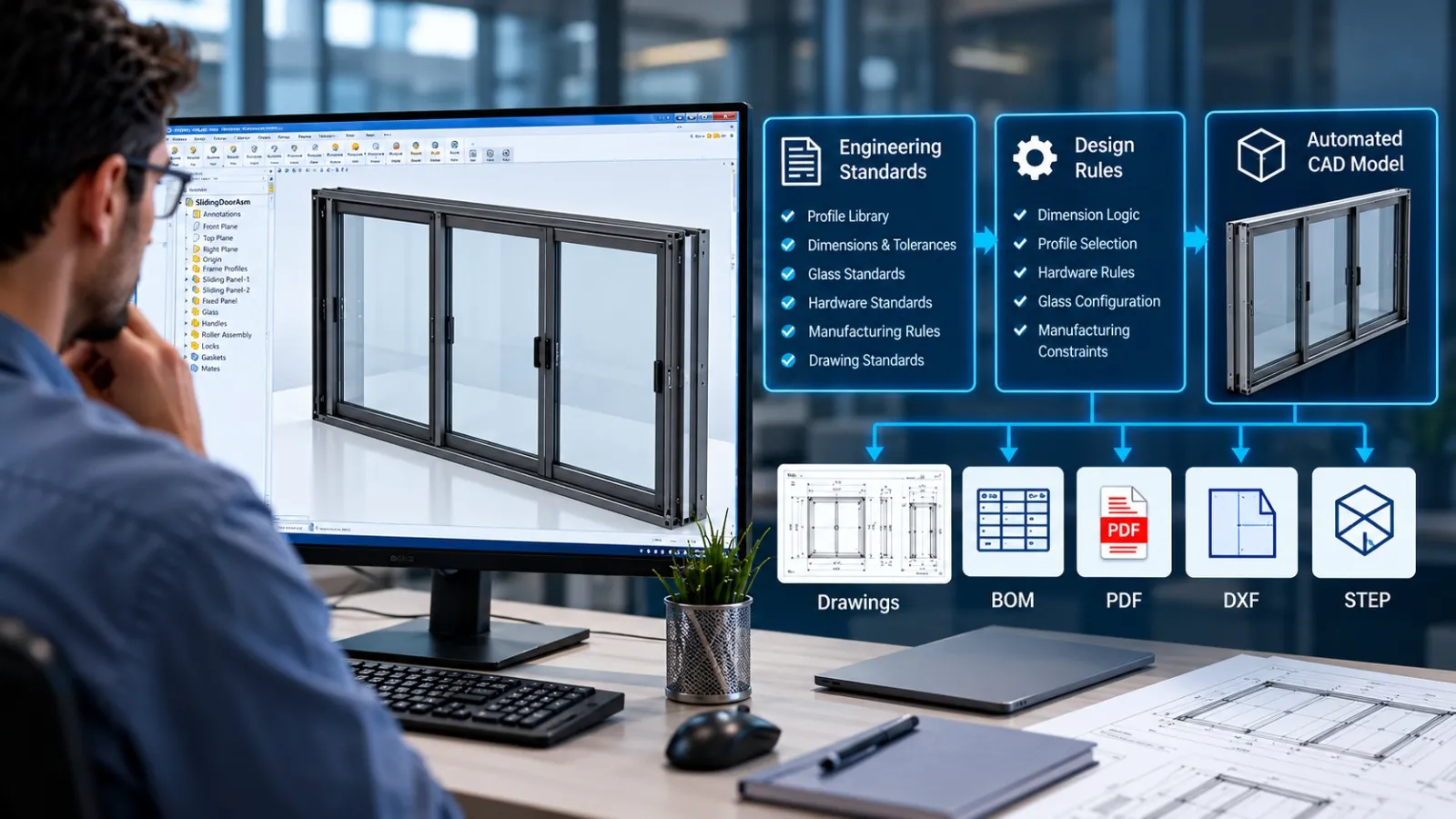
Engineering teams often spend hours repeating the same CAD tasks, updating dimensions, generating drawings, exporting DXF files, and preparing Bills of Materials (BOMs). These tasks may seem small individually, but together they consume valuable engineering time.
CAD automation helps reduce this repetitive work. But should you use DriveWorks or develop a custom automation solution using SolidWorks API, VBA macros, or .NET?
The answer depends on how your engineering workflow operates.
What Is SolidWorks API Automation?
SolidWorks API automation allows engineers to automate CAD operations using custom programs, macros, and add-ins. Using VBA or .NET, repetitive tasks can be executed directly within SolidWorks.
For example, automation can help with:
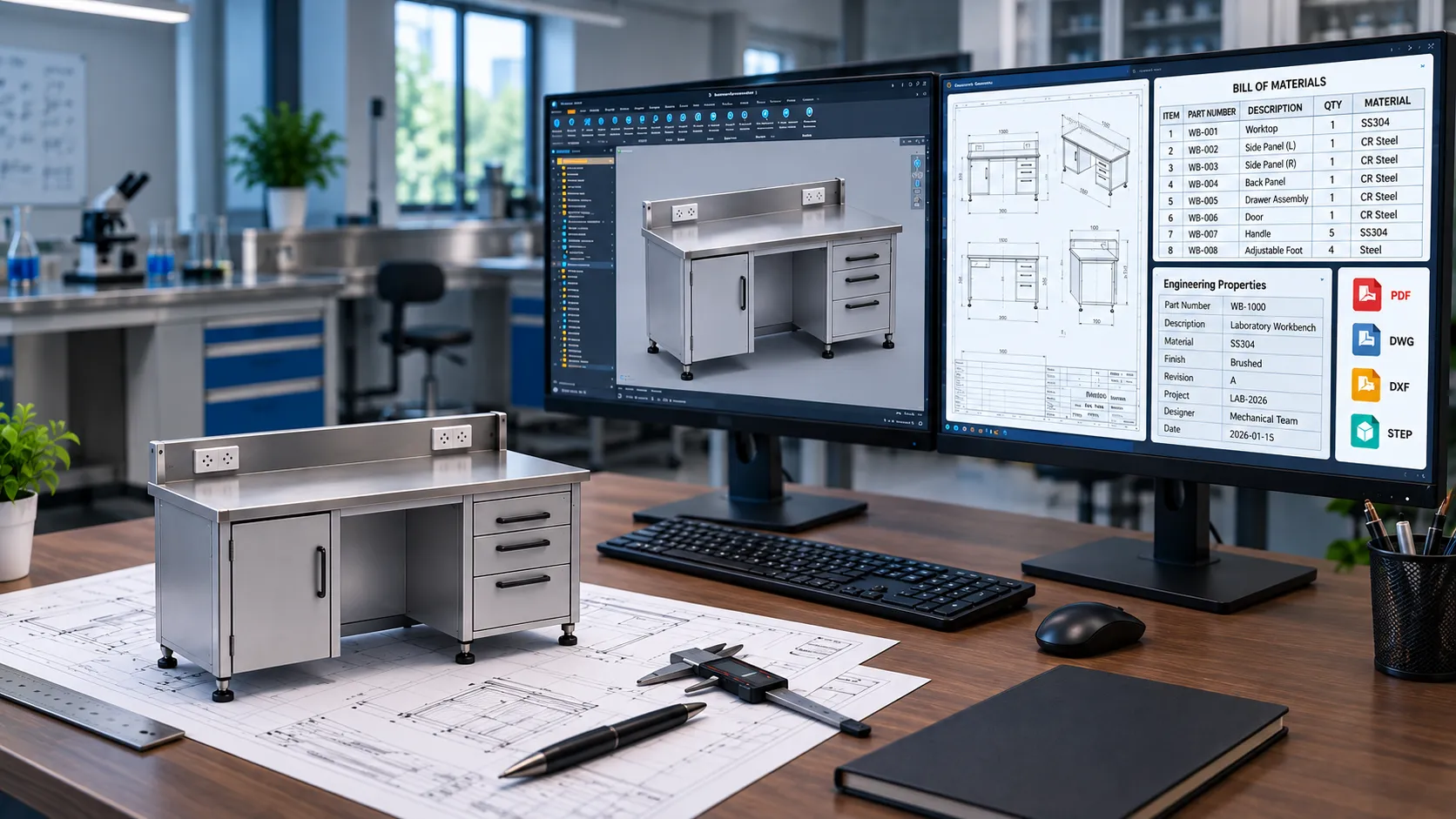
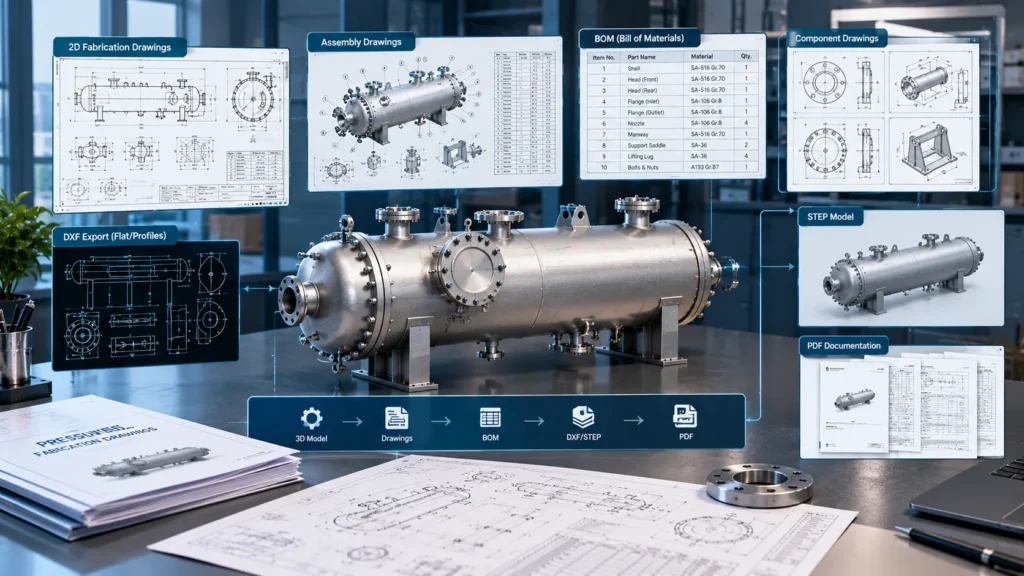
- Generating manufacturing drawings and BOMs.
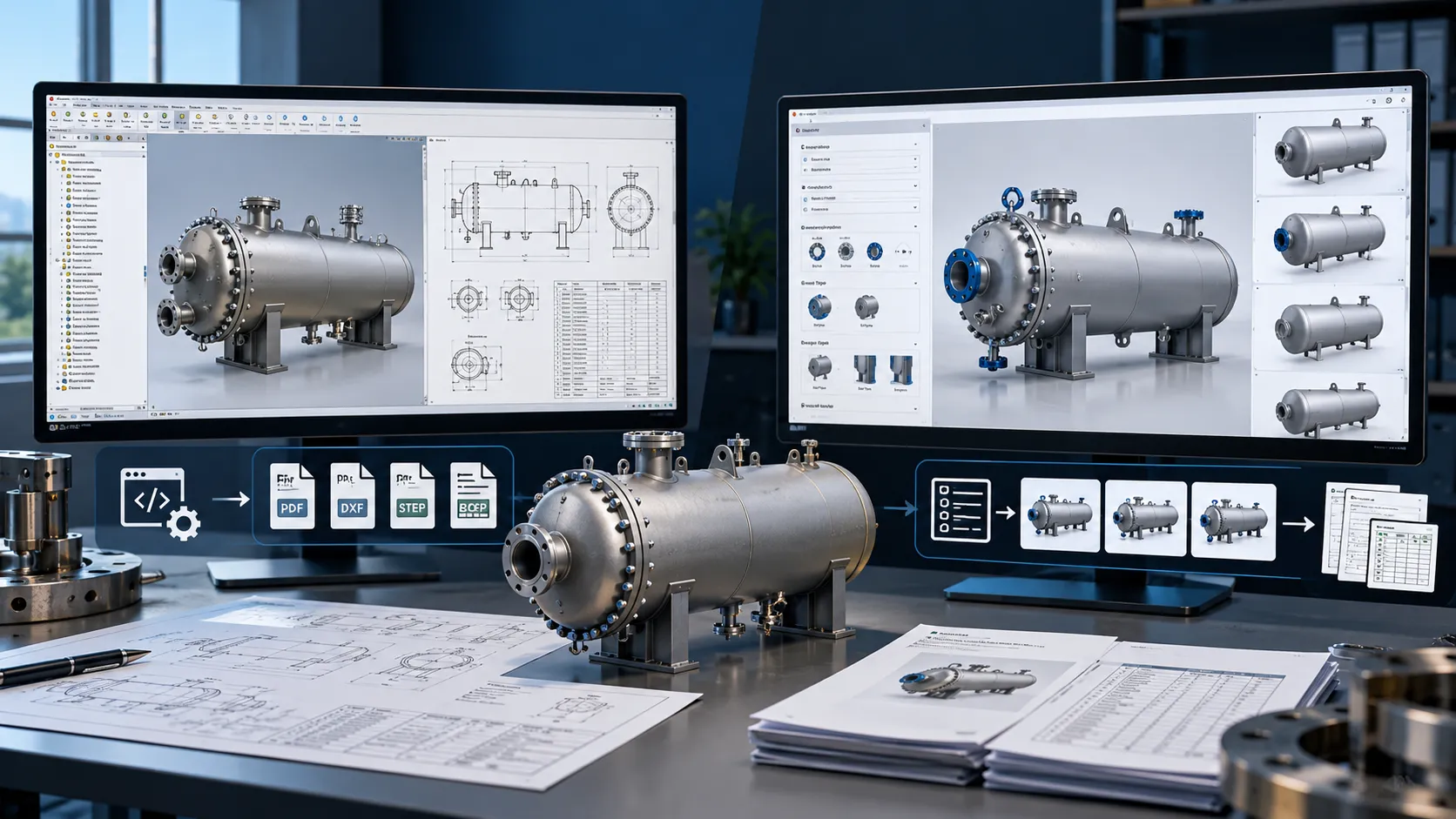
- Batch exporting DXF, STEP, and PDF files.
- Updating model properties and configurations.
- Automating sheet metal flat pattern exports.
- Integrating SolidWorks PDM data with ERP systems.
- Creating custom tools for engineering teams.
Similar automation can be developed for Autodesk Inventor using its API and supported programming technologies.
Instead of changing the entire design process, custom automation targets the specific tasks that slow your team down.
Where Does DriveWorks Fit In?
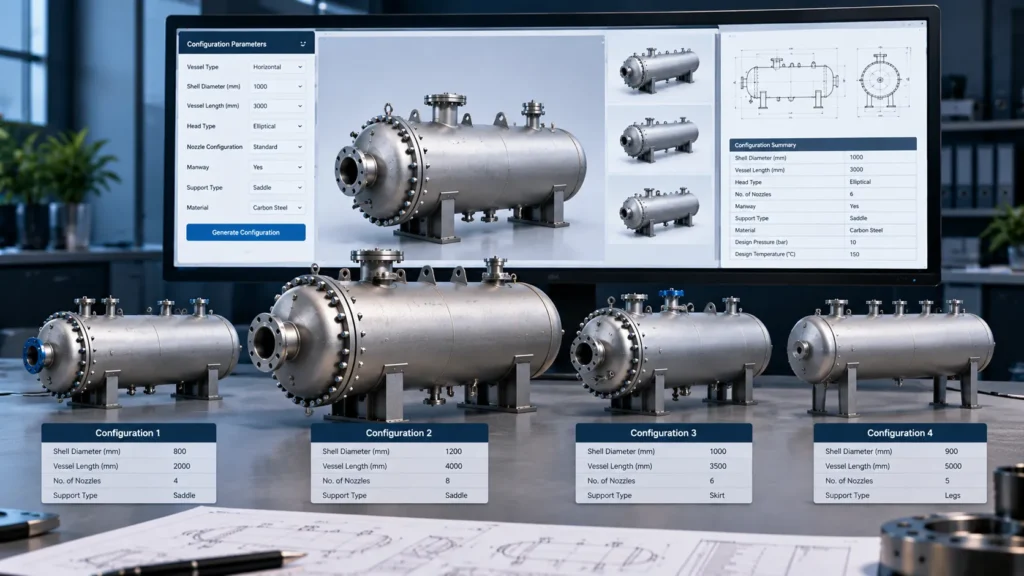
DriveWorks is a design automation platform commonly used to configure products and generate variations from predefined engineering rules.
It works well when customers or sales teams need to select product options, enter dimensions, and generate configured designs and associated documentation.
However, not every automation requirement involves product configuration.
If your main challenge is repetitive drawing generation, batch file exports, model property updates, or custom PDM workflows, a targeted API-based solution may be more appropriate.
SolidWorks API vs DriveWorks: What Should You Choose?
The choice depends on your objective.
Choose DriveWorks when:
- You need rule-based product configuration.
- Customers or sales teams must select predefined options.
- Your business needs a structured product configurator workflow.
Choose custom API automation when:
- You need to automate repetitive engineering tasks.
- Your workflow requires custom macros, add-ins, or batch processing.
- You need specific integrations with PDM, ERP, or other business systems.
- You want to automate existing CAD operations without building a complete product configuration system.
Custom automation can also complement an existing DriveWorks implementation. The two approaches do not always need to compete.
VBA Macros or .NET: Which Is Better?
VBA macros are often suitable for quick, focused automation tasks, such as exporting files, updating properties, and generating drawing outputs.
.NET development is useful for more structured applications, custom SolidWorks add-ins, advanced integrations, and automation tools that require a maintainable software architecture.
The right approach depends on task complexity, integration requirements, maintainability, and future expansion.
CAD Automation Services for SolidWorks and Inventor
At Immersiv Techsphere, we develop CAD automation solutions around real engineering and manufacturing workflows.
Our services include SolidWorks API automation, VBA macros, .NET-based tools, Autodesk Inventor automation, drawing generation, batch file exports, BOM automation, and PDM-related workflows.
The objective is straightforward: reduce repetitive CAD effort, improve consistency, and help engineering teams spend more time on design rather than routine tasks.
Final Thoughts
DriveWorks is a strong option for rule-based product configuration, while custom API automation is often a better fit for specific engineering tasks and workflow integrations.
Before choosing a solution, identify the repetitive work consuming the most time in your design process. Automating that task first can be a practical starting point for improving engineering productivity.
Need to automate your SolidWorks or Inventor workflow? Immersiv Techsphere can help identify suitable automation opportunities and develop solutions using APIs, VBA macros, and .NET.
Visit Immersiv Techsphere to explore our engineering and CAD automation services.
Have a Project in Mind?
Need help with 3D animation, industrial visualization, HSE training animation, or product visualization? Tell us about your project and our team will get back to you.